online ticket booking biman bangladesh airlines
Booking a Biman Bangladesh Airlines ticket online is a practical way to plan a journey from Dhaka without visiting an office. You can search for flights, compare the options on your route, enter the traveller details and receive your ticket on your phone or by email. This guide explains how online ticket booking for Biman Bangladesh Airlines works, what to keep ready before you start, and how to check every detail so the ticket you receive is correct.
What online booking with Biman means
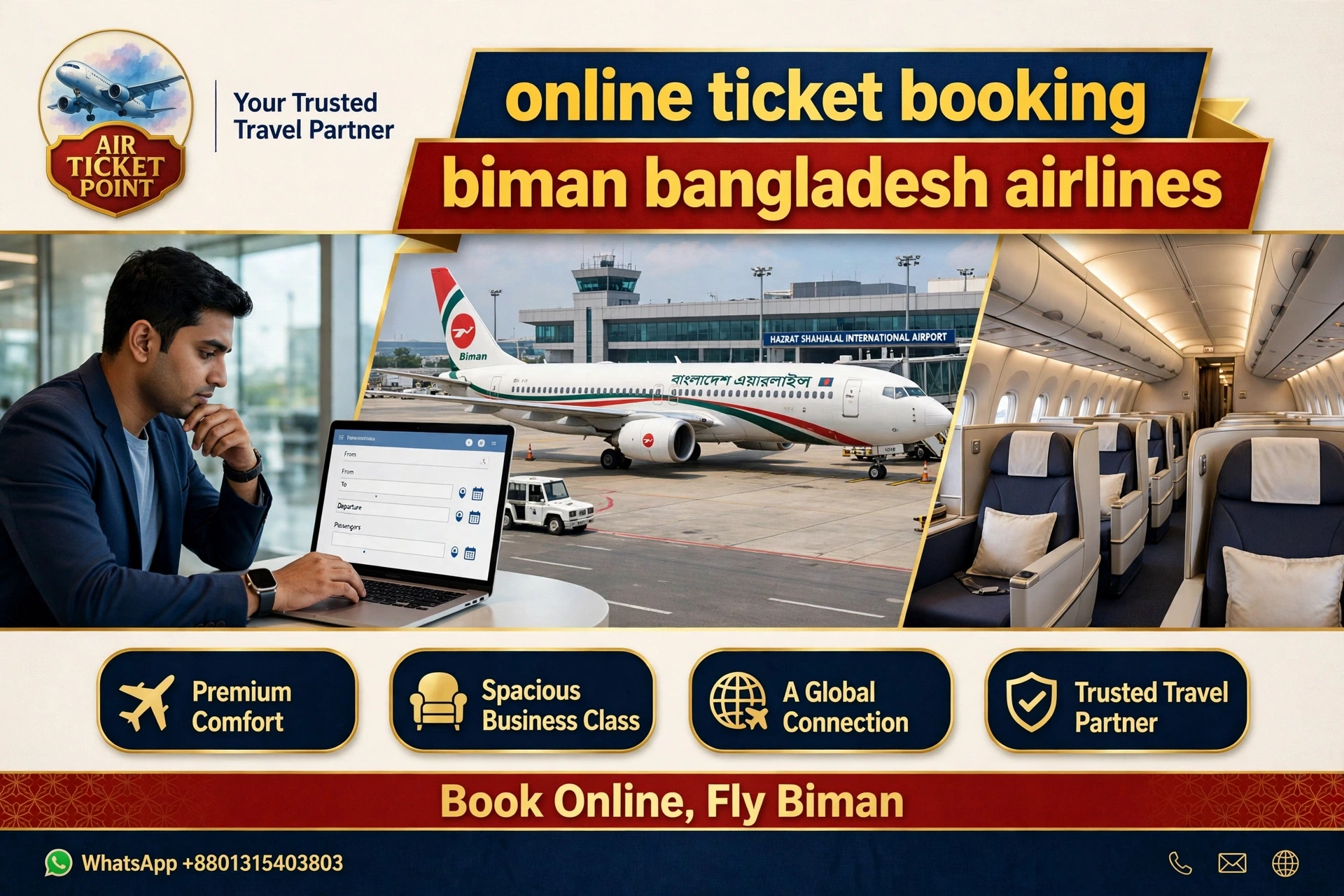
Online booking means you complete the ticket reservation through a website or a booking service on your phone or computer, instead of visiting an office in person. You enter your departure city, your destination, your travel dates and the number of travellers, and the system shows the Biman flights that match your search. You then choose the flight that suits your plan, enter the traveller names and contact details, and complete the payment to receive the ticket.
The main advantage is convenience. You can book at any hour, from home or from work, and you can take your time to read the options before you decide. The ticket arrives electronically, so there is no paper ticket to collect. You should still check the ticket carefully when it arrives, because a name on the ticket must match the passport exactly.
Why travellers book Biman online
Biman Bangladesh Airlines is the national carrier of Bangladesh, and many travellers choose it for routes from Dhaka to destinations abroad and within the country. Booking online suits travellers who know their dates and want to arrange the ticket themselves. A traveller can compare the available flights on the route, look at the cabin choices and the baggage allowance, and then decide without hurry.
Online booking also helps travellers who live far from a booking office. A person in another district can book a ticket without travelling to Dhaka first. Students, workers and business travellers all use online booking for this reason. If you are unsure about any step, you can also call an agent for help. Air Ticket Point can guide you through the online process or complete the booking with you over the phone, so you get the convenience of online booking with the support of a real person.
What to keep ready before you book
A little preparation before you start makes online booking much smoother. Keep the full names of all travellers ready exactly as they appear on their passports, because the ticket must match the passport. Note the date of birth of each traveller if the booking form asks for it, and keep the passport numbers and expiry dates nearby for international travel. Write down your preferred travel dates and, if your dates are flexible, the earliest and latest dates you can accept.
Also decide a few things in advance. Know whether you want a direct flight or are open to a connecting flight, and whether you prefer a morning, afternoon or evening departure. Think about your baggage needs, such as how many bags you plan to check in.
Step-by-step: how to book online
The online booking process follows a simple sequence. First, open the booking page and enter your journey details: the departure city, the destination, the travel dates and the number of travellers. Choose whether you need a one-way trip or a return trip. Second, look at the flights shown for your search and compare them. Read the departure and arrival pattern, the number of stops and the baggage allowance for each option before you choose.
Third, enter the traveller details carefully. Type each full name exactly as it appears on the passport, and enter the contact details correctly, because the ticket and any updates are sent to those contacts. Fourth, review the full booking summary on the screen before you pay. Check the names, dates, route and baggage allowance one more time. Fifth, complete the payment as instructed on the page, and wait for the confirmation. Once the payment is confirmed, the ticket is sent to you by email or WhatsApp, and you should open it at once to check the details again.
Choosing your flight and cabin
When the search results appear, take a moment to compare them properly. Look at the route first: a direct flight is the simplest choice, while a connecting flight involves a stop at a transit airport. If you choose a connecting flight, check the transit airport and make sure you understand how the stop works. Then look at the baggage allowance for each option, because the allowance can differ between flights and cabins.
Cabin choice is the next decision. Economy class suits most travellers, while business class offers more space and comfort on a long journey. If business class is available on your route, read its description and its baggage allowance before you choose.
Checking names and details before payment
The review screen before payment is the most important screen in the whole booking. Read every name slowly and compare it with the passport. A single wrong letter can cause a problem at the airport, so check the spelling of each traveller, including middle names if they appear on the passport. Check the travel dates and the departure and arrival airports as well, and make sure the number of travellers is correct.
Also check the contact details on the review screen. The email address must be one you check regularly, and the mobile number must stay switched on, because the ticket and any update about the flight are sent to those contacts. If anything on the review screen looks wrong, correct it before you pay. It is far easier to fix a mistake on the review screen than after the ticket has been issued.
Payment and ticket delivery
Payment for an online booking is completed on the booking page, following the steps shown there. The fare is confirmed at booking, so you will know the amount before you pay. Read the total amount and what it includes before you confirm the payment, so there is no confusion about the fare and the taxes that apply. Keep the payment receipt or confirmation message safe, because it is your record of the transaction.
After the payment is confirmed, the ticket is delivered to you electronically, usually by email or WhatsApp. Open it at once and check the traveller names, the travel dates, the departure and arrival airports, and the baggage allowance. Save a copy on your phone, keep the email in your inbox and print a copy to carry with your passport. If you do not receive the ticket within the time mentioned on the page, contact the booking support team and ask for the delivery to be checked.
If you prefer help from an agent
Some travellers prefer to book online but want a person to guide them. If you feel unsure about any screen, you can call an agent instead of completing the booking alone. The agent will explain the options, check the availability for your dates and route, and walk you through each step. You can ask about the flight pattern, the baggage allowance and the documents you need, all in one conversation, and the agent will read the important details back to you for confirmation.
An agent is also useful when your plan is not simple. A group booking, a journey with a stop, or a trip with children and elderly parents all involve choices that are easier to discuss than to click through. For first-time flyers, the call is reassuring because the agent explains what happens after booking and what to expect at the airport. Booking with an agent’s help combines the convenience of an online ticket with the confidence of speaking to a real person.
Changing or cancelling an online booking
Plans change, and an online booking can usually be changed or cancelled, subject to the conditions of the fare you chose. If your travel date changes, contact the booking support team or your agent as early as you can and explain the new plan. Give your booking reference and the traveller name, and ask what options are available for the new date and what conditions apply. The earlier you ask, the more options there are likely to be.
For cancellation, give your booking reference and the traveller name, and ask the support team to explain the cancellation process and what happens next, including any refund process that applies under the airline rules. Keep a note of the conversation, including the date and the name of the person you spoke with, so you have a clear record. Remember that change and cancellation conditions depend on the airline and the fare type, so always ask about the conditions that apply to your specific ticket before any change is made.
Baggage and check-in basics
Baggage rules are part of every ticket, so read them before you travel. Ask about the baggage allowance for the flight you chose, including how many bags you can check in and what you can carry into the cabin. If you are travelling for a long stay, you may need more luggage than the standard allowance covers, so check the allowance early and plan your packing around it.
Check-in is the step where you confirm your presence for the flight at the airport. Arrive with enough time to check in, pass through security and reach your gate without rushing. Keep your passport and ticket together and easy to reach. If your flight involves a transit stop, keep your onward ticket ready and listen to the announcements at the transit airport. A traveller who knows the baggage rules and arrives in good time moves through the airport with far less stress.
Common mistakes to avoid
The most common mistake in online booking is typing a name that does not match the passport. Always type the name exactly as it appears on the passport, and read it again on the review screen before you pay. Another common mistake is entering the wrong travel date, especially when booking a return trip, so check both dates carefully. A third mistake is giving an email address you rarely check, which means you may miss the ticket or an update about the flight.
A fourth mistake is skipping the review screen. The review screen exists so you can catch errors before payment, so never rush past it.
Practical tips for booking online
A few simple habits make online booking easier and safer. Book from a device you trust, and keep your phone charged so you can receive the confirmation message. Type slowly when you enter names, numbers and dates, and read each screen before you move to the next one. Save the ticket in two places once it arrives, and set a reminder to check your travel documents a few days before departure.
If you are booking for someone else, keep their passport details and their contact number ready before you start.
About Air Ticket Point
Air Ticket Point is a travel agency in Dhaka that helps travellers book air tickets and plan their journeys with personal support. The agency works with 900+ Airlines / 70+ countries, giving travellers a wide choice of routes and carriers for international and domestic travel. The team handles bookings over the phone, so travellers can speak with a real agent, ask questions and get clear guidance at every step. The focus is on practical help, honest information and a booking process that travellers can trust.
The services of Air Ticket Point cover International and Domestic Ticketing, Hotel Reservation, Visa Assistance, Tour Package and Group Tour Organizer support. This means a traveller can arrange the ticket, the stay and the tour plan through one agency. Whether you are travelling for business, for family, for study or for leisure, the agency aims to make the planning simple and the booking correct.
Contact Air Ticket Point
To book a Biman Bangladesh Airlines ticket online, or to get help with an online booking, contact Air Ticket Point through the following channels. Call or WhatsApp on +8801315403803 to talk with an agent about your journey, your dates and your options. You can also write to the team by email at info@airticketpointsbd.com, and you can visit the website at www.airticketpointsbd.com to learn more about the services. Keep your travel details ready when you call, so the agent can help you quickly and accurately. A short call is often all it takes to turn a travel plan into a confirmed ticket.

Frequently asked questions
FAQ 1: How do I book a Biman Bangladesh Airlines ticket online?
You can book online by entering your departure city, destination, travel dates and the number of travellers on the booking page, choosing a flight, entering the traveller details and completing the payment. The ticket is then sent to you by email or WhatsApp.
FAQ 2: What details do I need before I start an online booking?
Keep the full names of all travellers as they appear on their passports, your travel dates, your destination and your contact details ready. For international travel, keep passport numbers and expiry dates nearby as well.
FAQ 3: Can an agent help me with an online booking?
Yes, an agent can guide you through the online process or complete the booking with you over the phone. Call Air Ticket Point on +8801315403803 and the agent will explain each step and check the options for your route and dates.
FAQ 4: How will I receive my ticket after booking online?
After the payment is confirmed, the ticket is sent to you electronically, usually by email or WhatsApp. Open it at once, check every detail carefully, and save a copy on your phone and a printed copy with your passport.
FAQ 5: What should I do if my name is spelled wrong on the ticket?
If you find a spelling mistake, contact the booking support team or your agent right away and explain the error. They will check the booking and guide you on the correction process, so check the ticket on the day you receive it.
FAQ 6: Can I book a Biman ticket online for my whole family?
Yes, you can book for your whole family in one booking. Prepare a list of all travellers with their full names and passport details before you start, and enter the details carefully on the booking page.
FAQ 7: Can I choose business class when booking Biman online?
Yes, if business class is available on your route, you can choose it during the booking. Read the cabin description and the baggage allowance before you choose, and confirm the choice on the review screen.
FAQ 8: Can I change my travel date after booking online?
You can ask for a change by contacting the booking support team or your agent with your booking reference and the traveller name. Change conditions depend on the airline and the fare type, so ask about the conditions that apply to your ticket.
FAQ 9: What baggage can I take on a Biman flight?
The baggage allowance depends on the flight and cabin you choose. Check the allowance shown during booking, and ask the agent if you are unsure. Pack within the allowance so you do not have to repack at the airport.
FAQ 10: What if I do not receive my ticket after payment?
If you do not receive the ticket within the time mentioned on the page, contact the booking support team and ask for the delivery to be checked. Give your name and the payment details so the booking can be traced.
FAQ 11: Can I book a one-way ticket online?
Yes, you can book a one-way trip or a return trip online. Choose the trip type when you enter your journey details, and check the dates carefully on the review screen before you pay.
FAQ 12: Do I need a visa before booking a Biman ticket online?
A ticket does not replace a visa. If your destination requires a visa, make sure your visa is in order before you travel. Air Ticket Point provides Visa Assistance, so you can ask the agent about the available support.
FAQ 13: Can a business traveller book a Biman ticket online?
Yes, business travellers often book online because it is quick and flexible. You can explain your meeting schedule to an agent if you need help finding a flight that fits your timetable, including return trips.
FAQ 14: What if I make a mistake while entering details online?
If you notice a mistake before payment, correct it on the review screen. If you notice it after the ticket is issued, contact the support team or your agent at once with your booking reference, so the correction can be checked in good time.
FAQ 15: Why should I book through Air Ticket Point?
Air Ticket Point works with 900+ Airlines / 70+ countries, and provides International and Domestic Ticketing, Hotel Reservation, Visa Assistance, Tour Package and Group Tour Organizer support. You can speak with a real agent on +8801315403803 and get clear answers to your questions.


